
With the “Time It!” add-on, an organization can allow its volunteers to log their own hours in real time while volunteering for an opportunity.
- A computer or mobile device is located on-site.
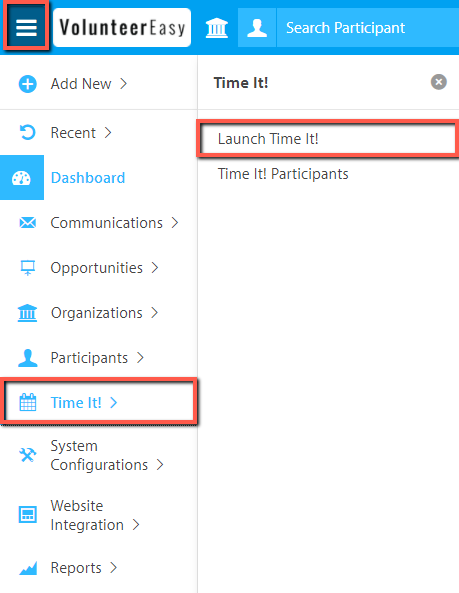
- From the Main Menu, click Time It.
- Click Launch Time It.
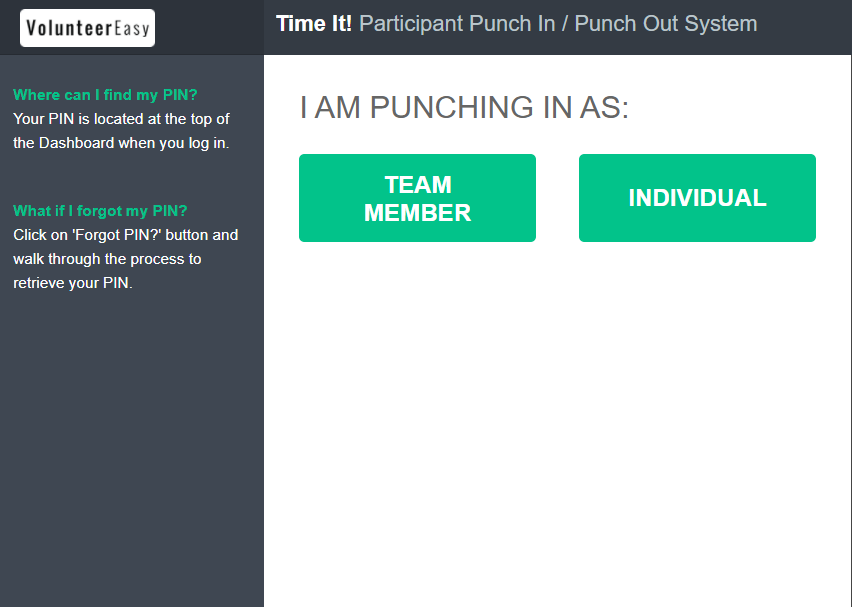
- Each volunteer selects whether they're punching in as Team Member or Individual. If the volunteer is registered as a Volunteer Team Member, select Punch in as Team Member. Select Individual if the volunteer punching is not registered with a team.
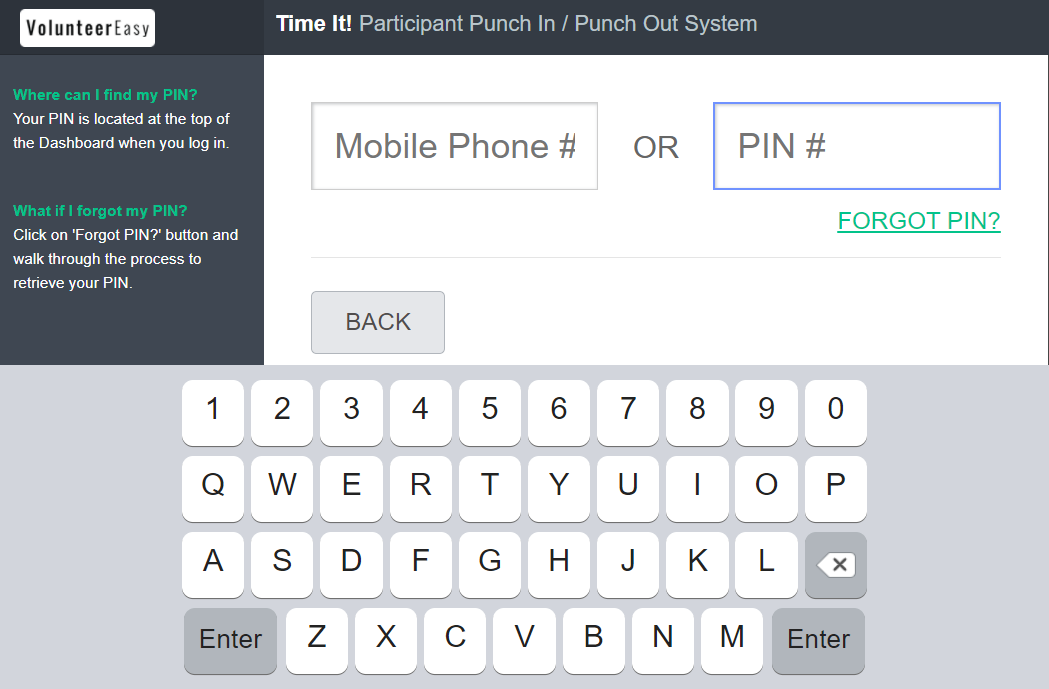
- Enter either Volunteer’s Mobile number or PIN#.
- Press Enter.
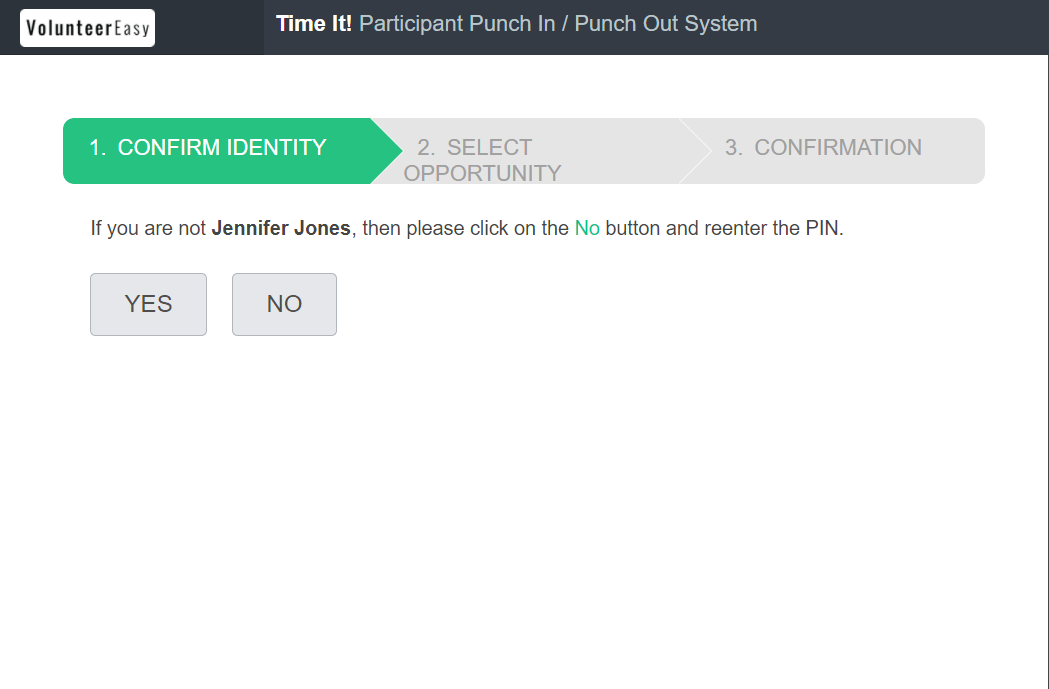
- The system will recognize the volunteer's profile and will want to confirm identity.
- If the volunteer is scheduled for multiple opportunities, the volunteer will need to select which opportunity to punch in for. Otherwise, the system auto-selects the single opportunity.
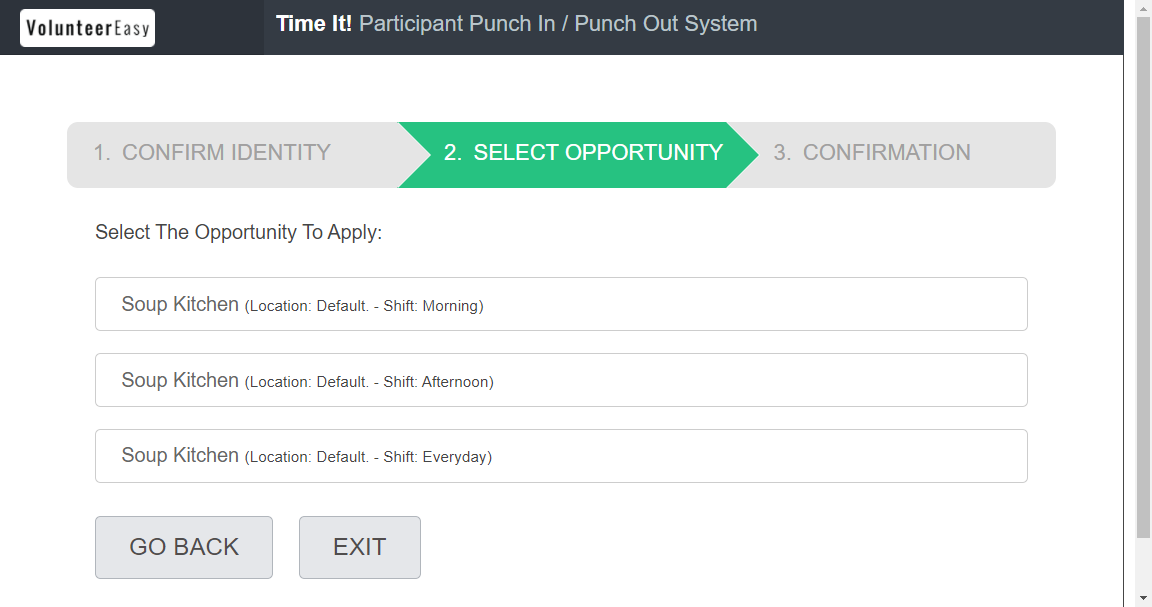
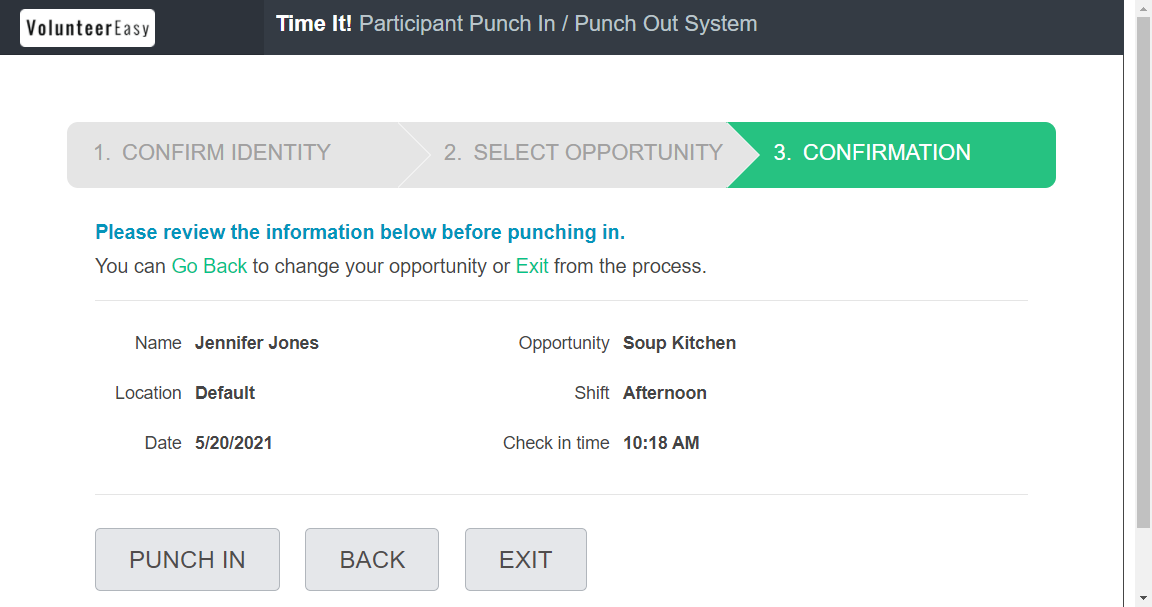
- The volunteer will review and confirm the opportunity and schedule and then punch in.
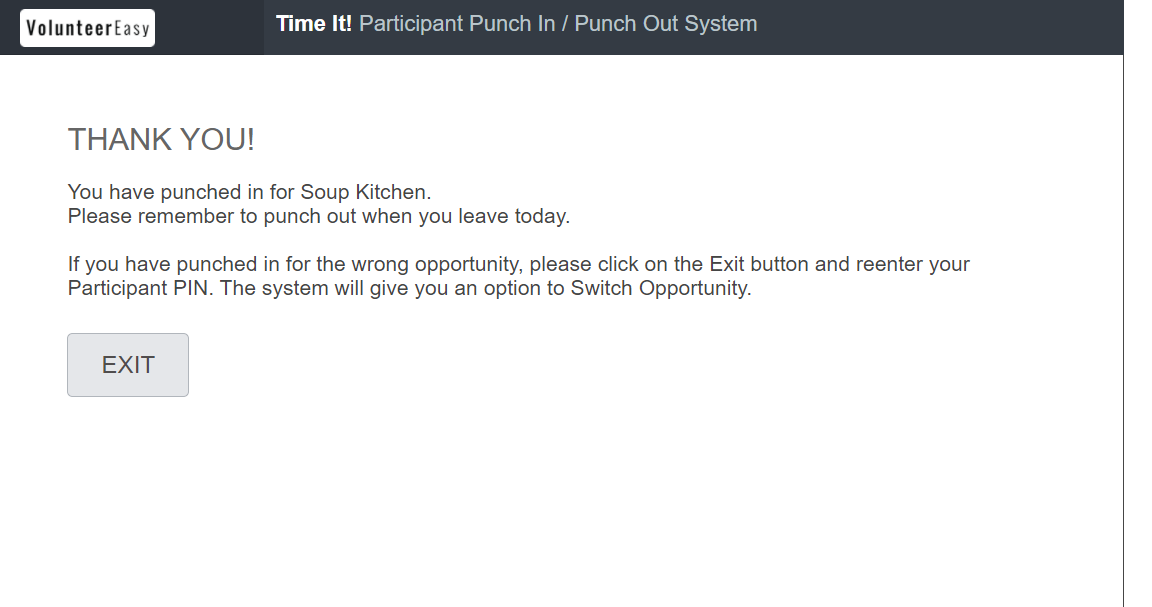
- When the volunteer is ready to punch out, he/she will re-enter his/her PIN or mobile phone number and click Punch Out.
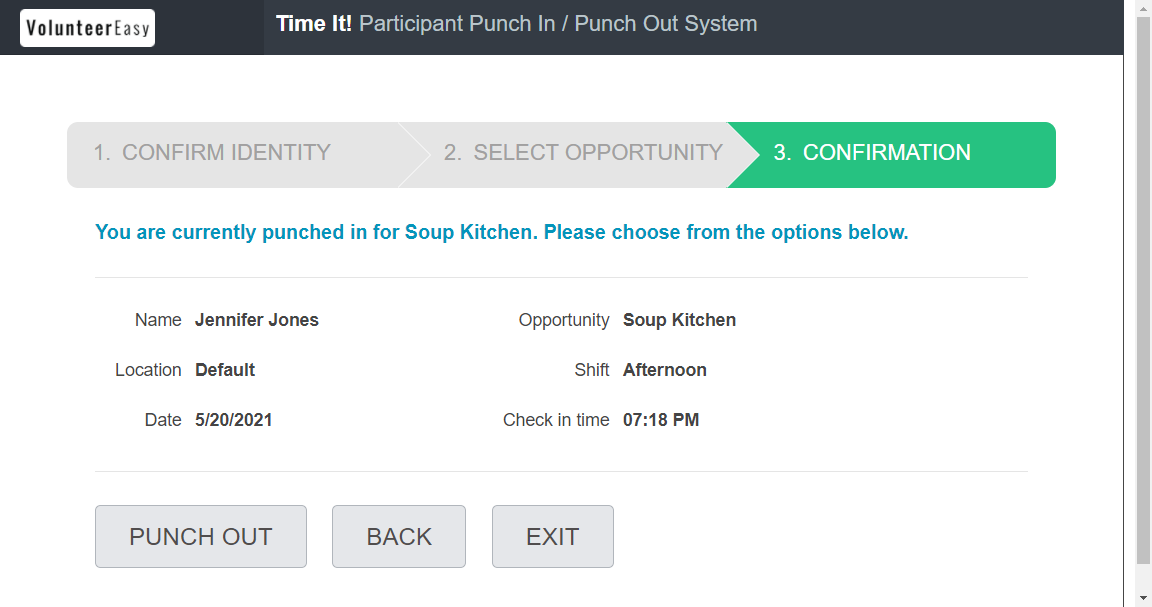
Hours are submitted to the admin as unverified hours and will be reviewed and approved/rejected.
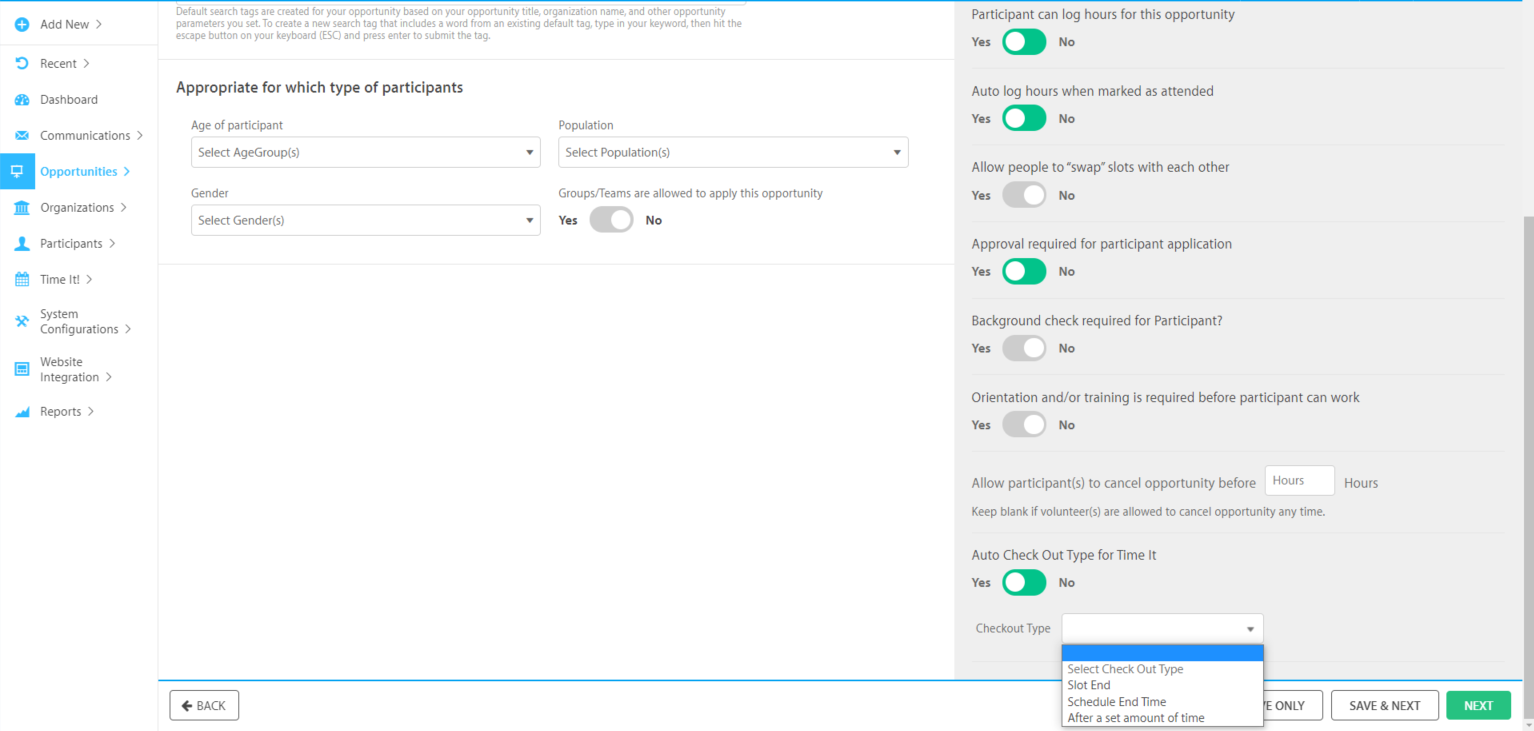
Auto Check Out Type for Time It
This opportunity configuration allows the admin to select the auto checkout type for volunteers who missed to manually check out.
- Shift End
- Volunteer Schedule End Time
- After a Set Amount of Time
Comments
0 comments
Article is closed for comments.