
Client Configurations: Configure Closure Reasons
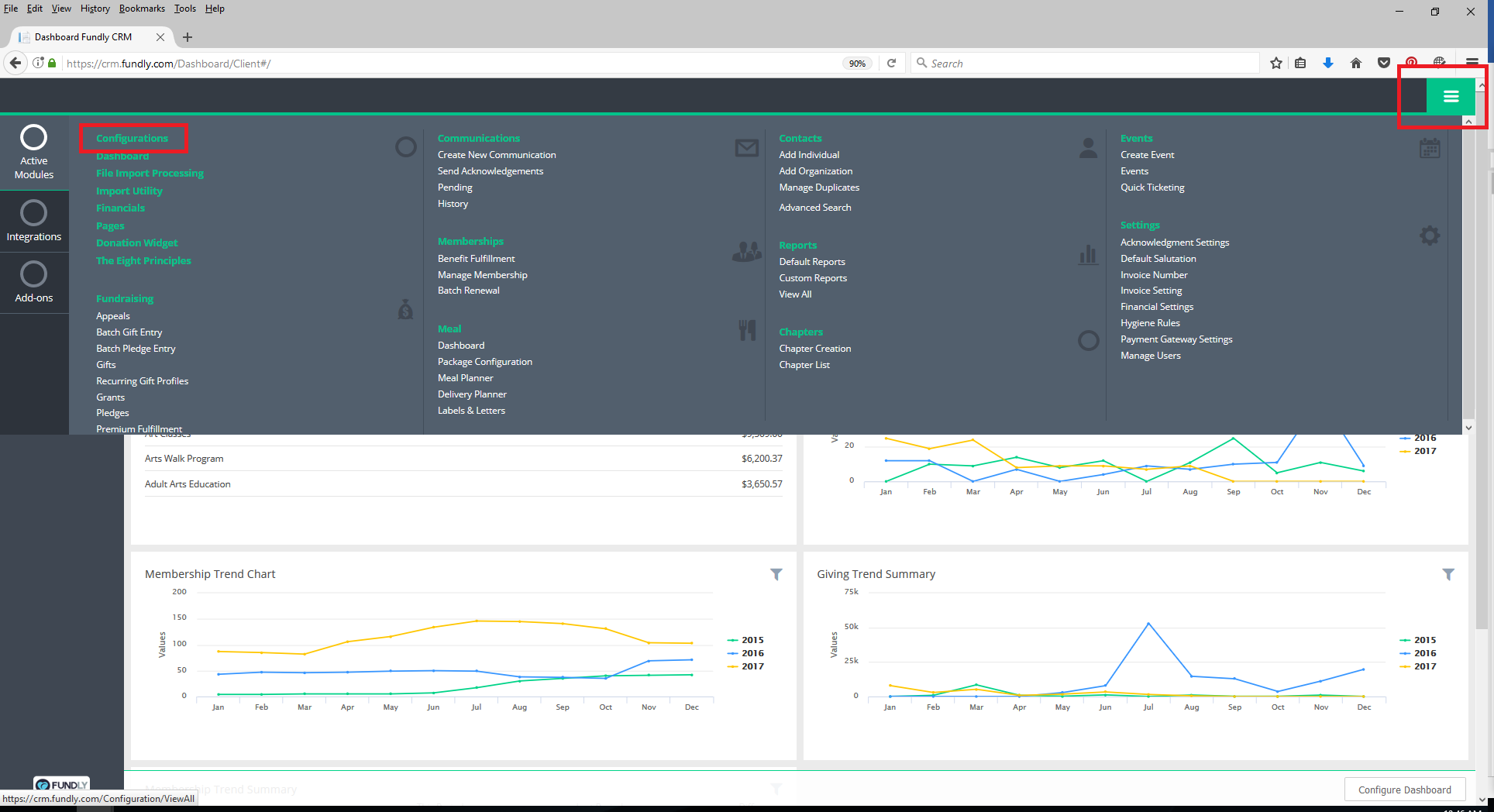
- To configure closure reasons, go to the Main Menu (green button in the upper right hand corner) and select Configurations.
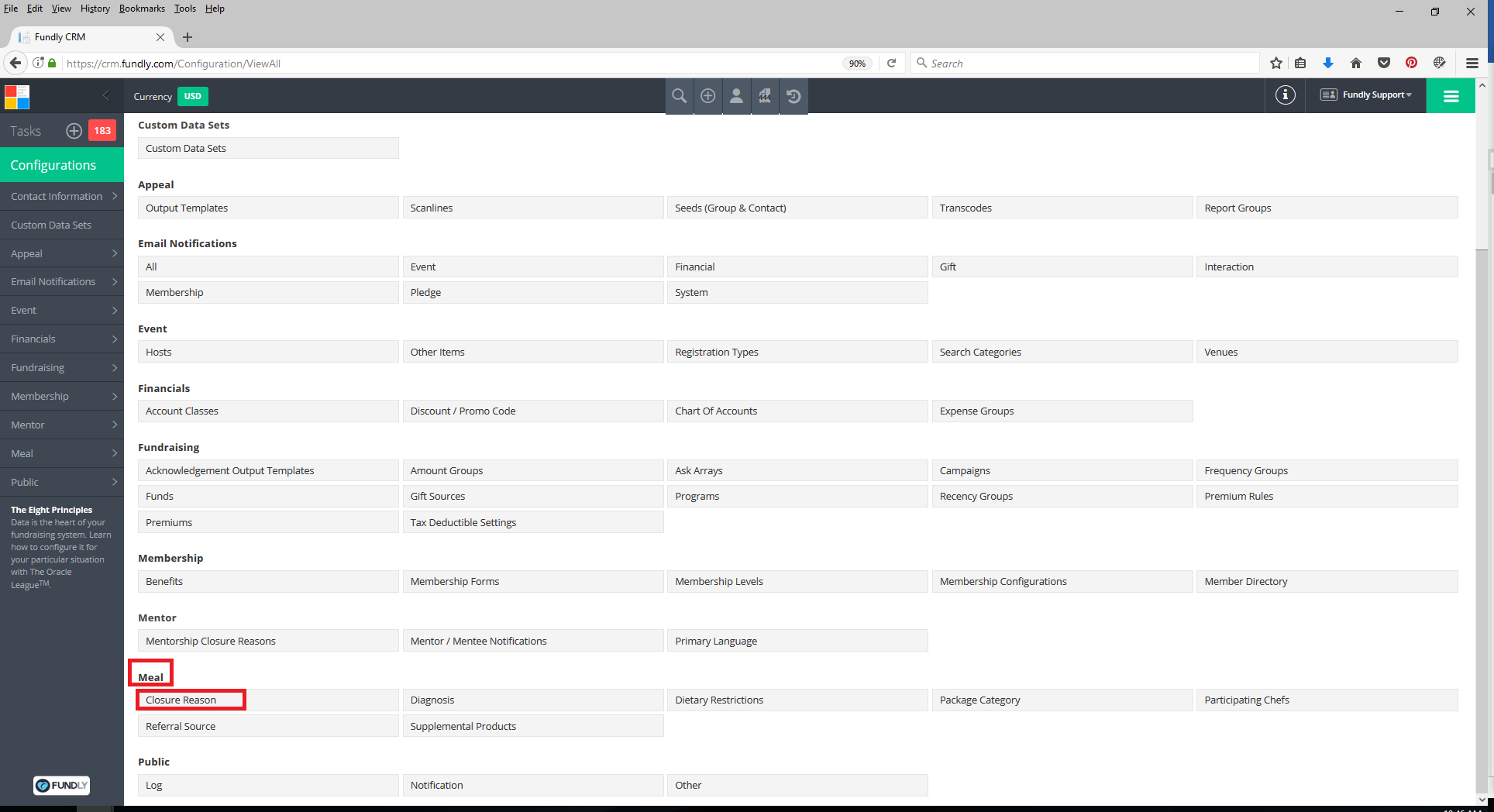
- Scroll down to the Meal section and select Closure Reason.
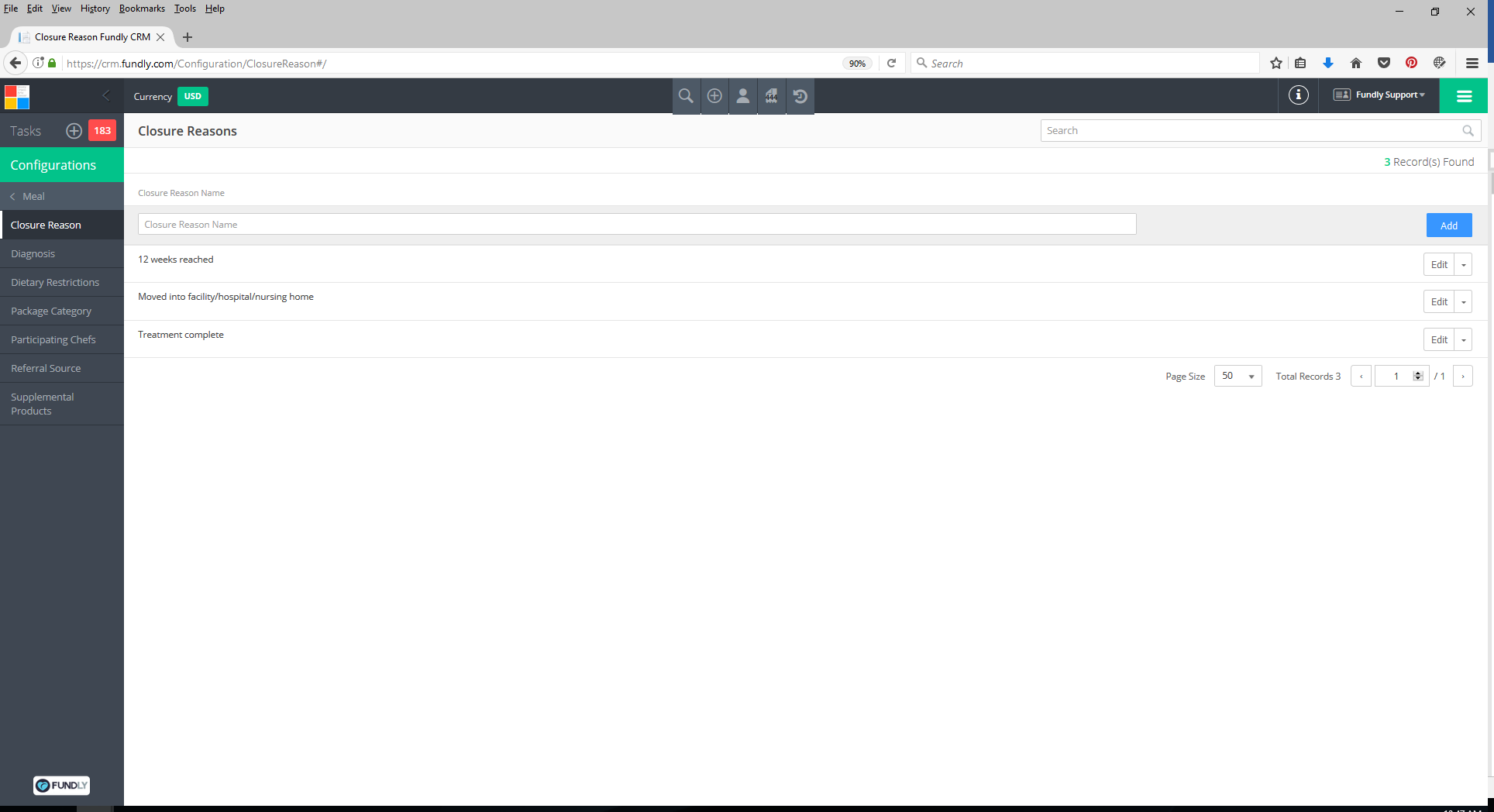
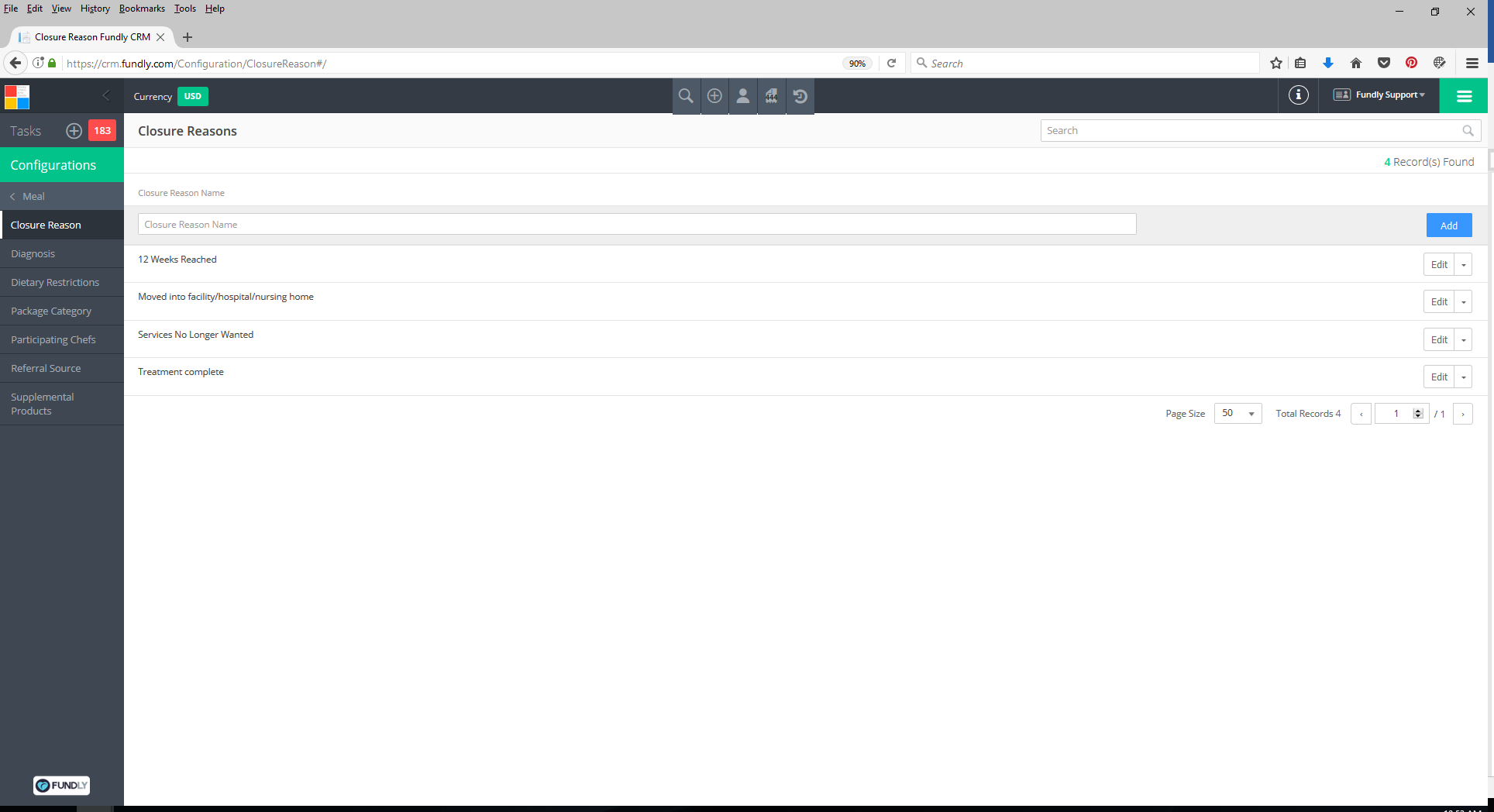
- On the Closure Reasons Index screen, you will see a list of your currently configured closure reasons.
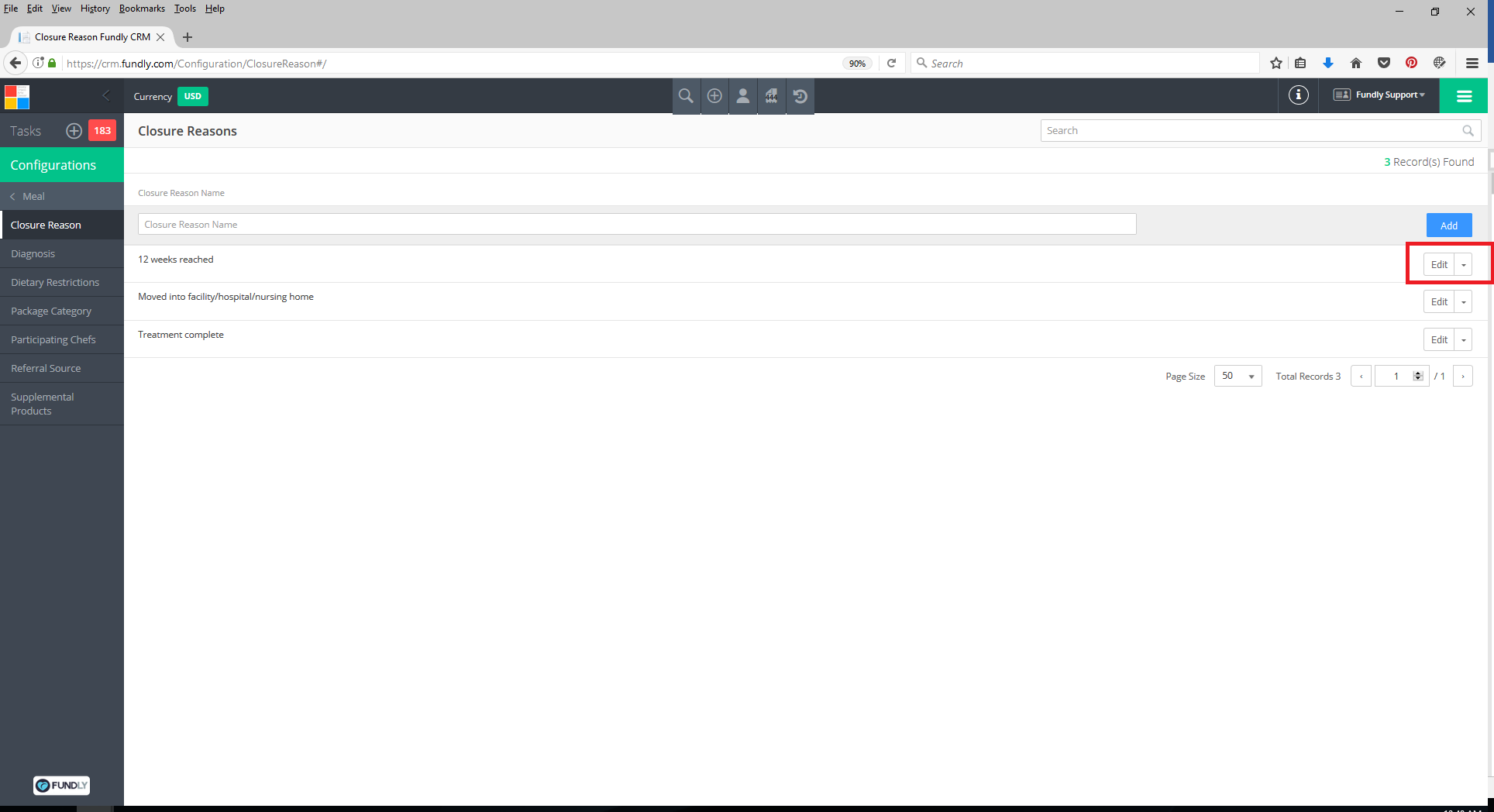
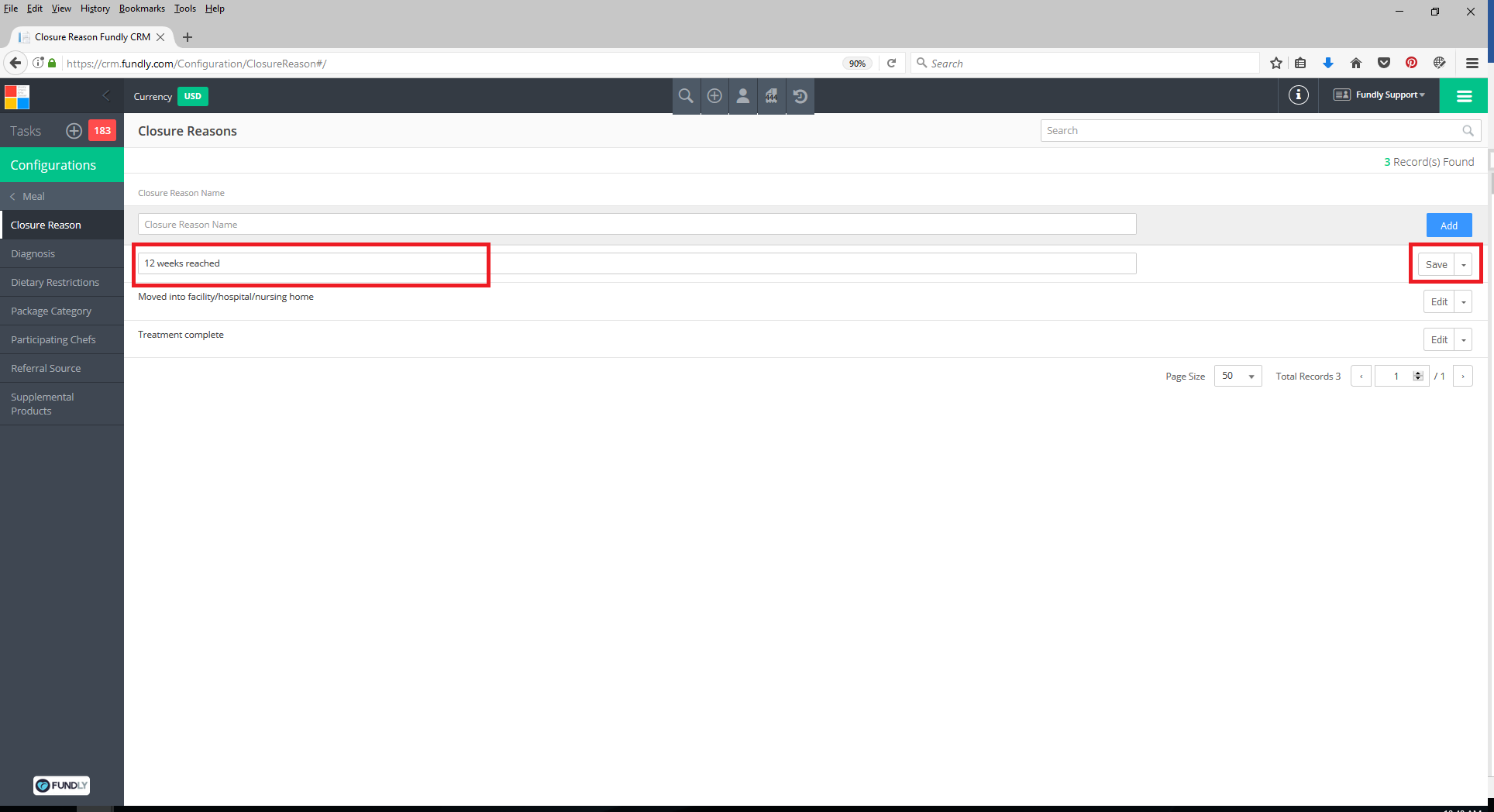
- You can edit these closure reasons by clicking on the drop down to the right of the reason and selecting
- Edit the Closure Reason Name and then click Save (to the right of the closure reason).
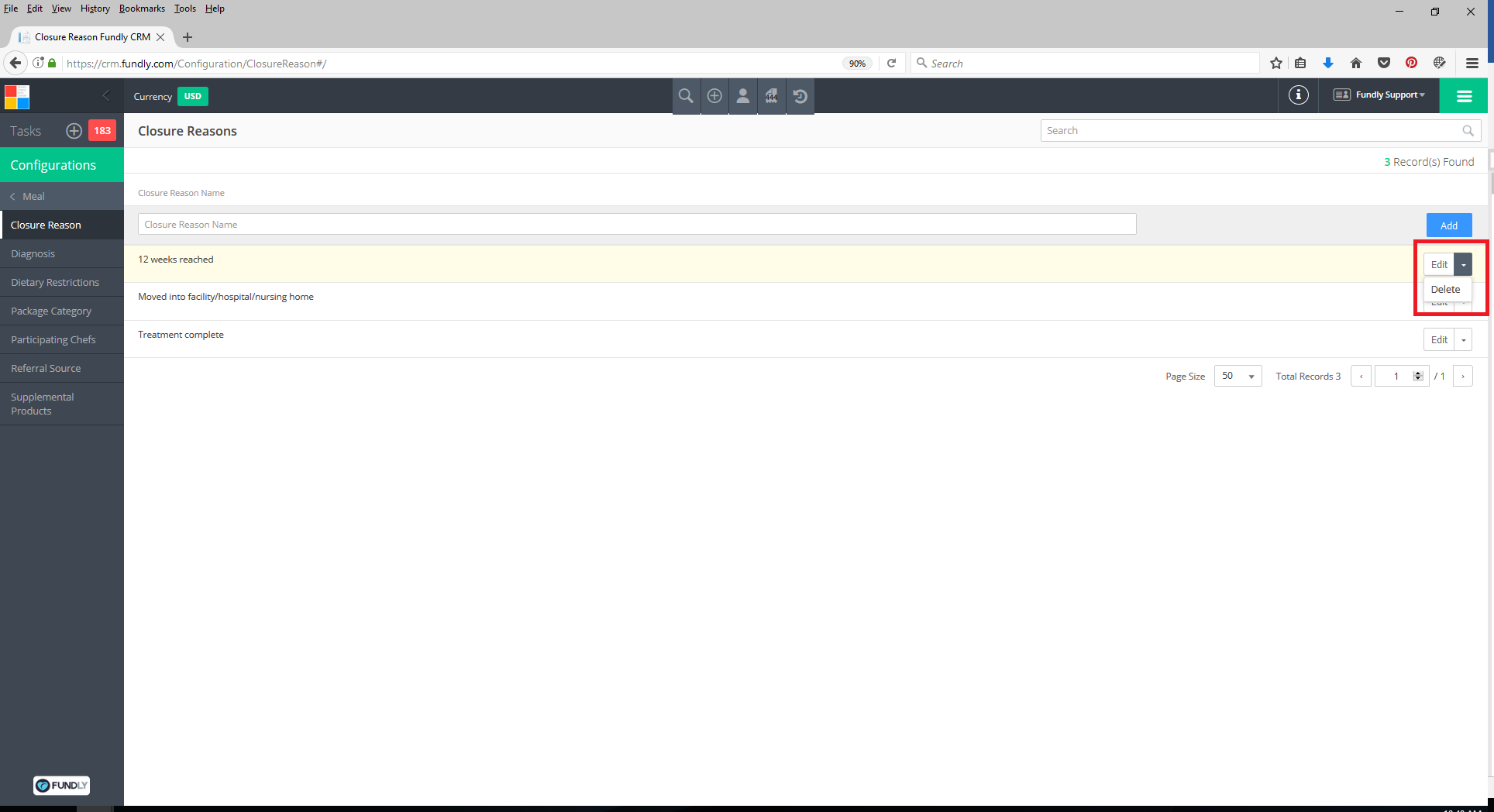
- To Delete a closure reason, click the drop down to the right of the closure reason and select delete.
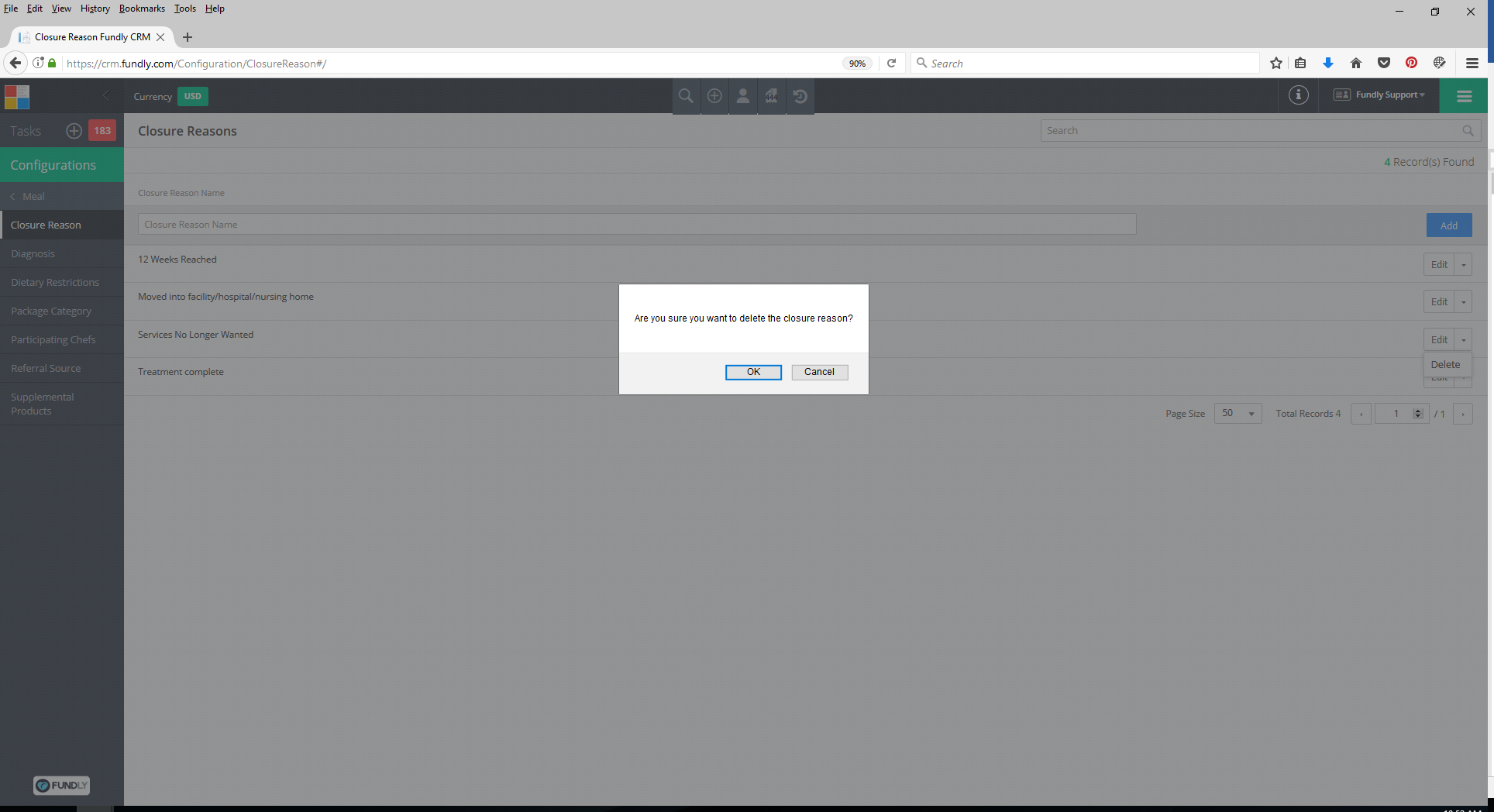
- Confirm that you want to delete the closure reason by clicking OK. Closure Reasons cannot be deleted if they have been used on any client records.
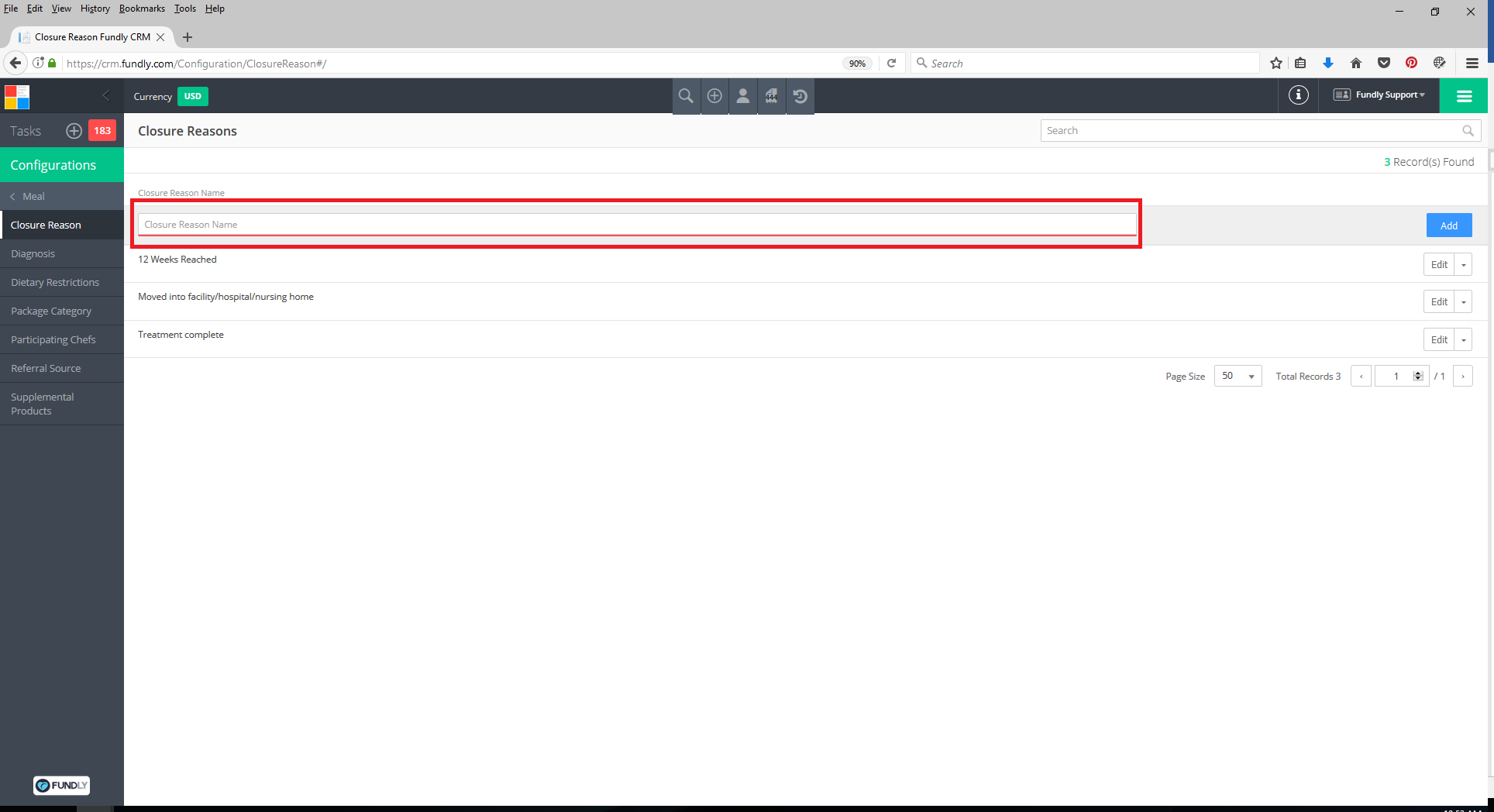
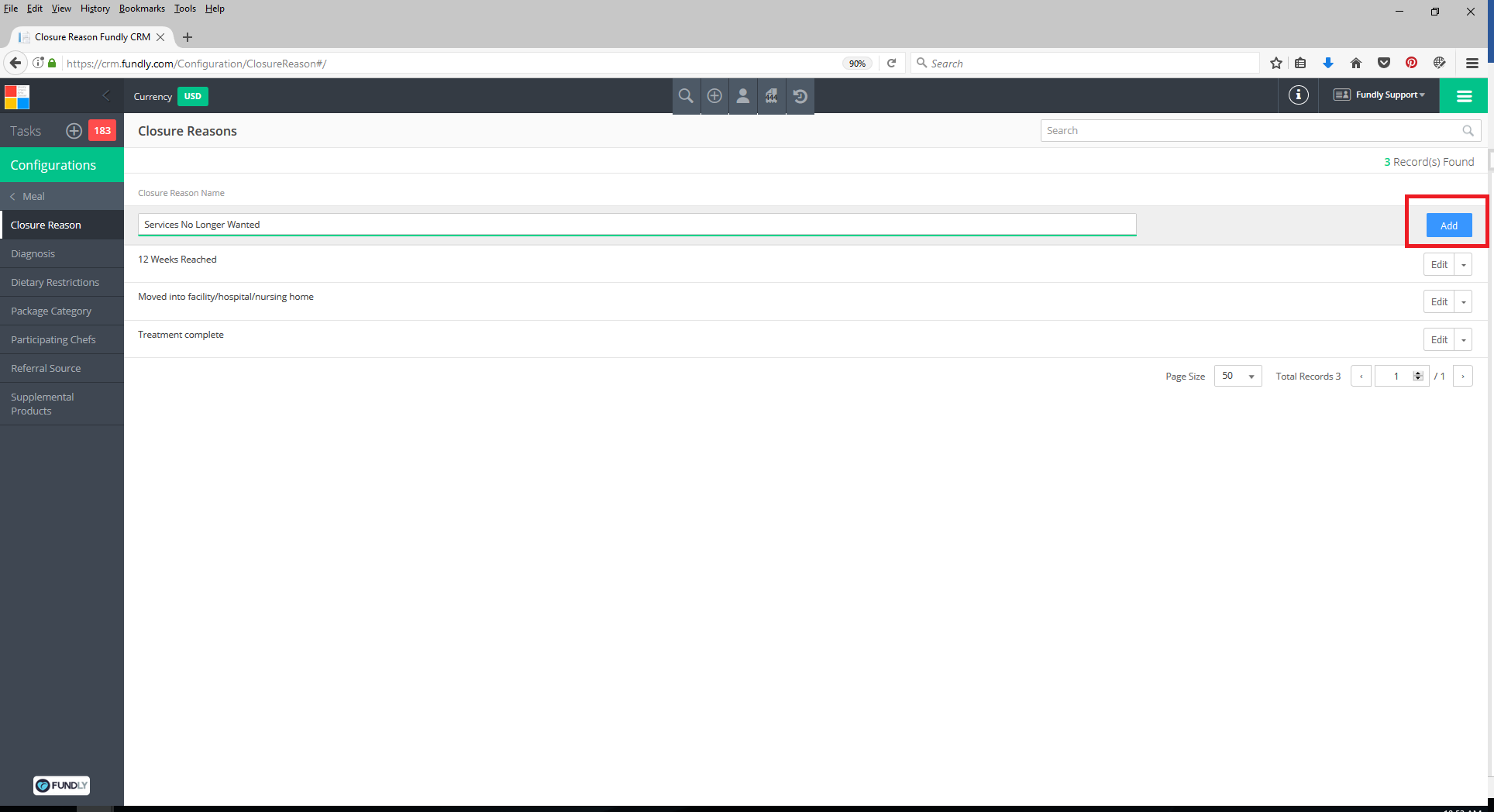
- To Add a new closure reason to the list, type a term or phrase into the Closure Reason Name box and then click the Add
Comments
0 comments
Article is closed for comments.